
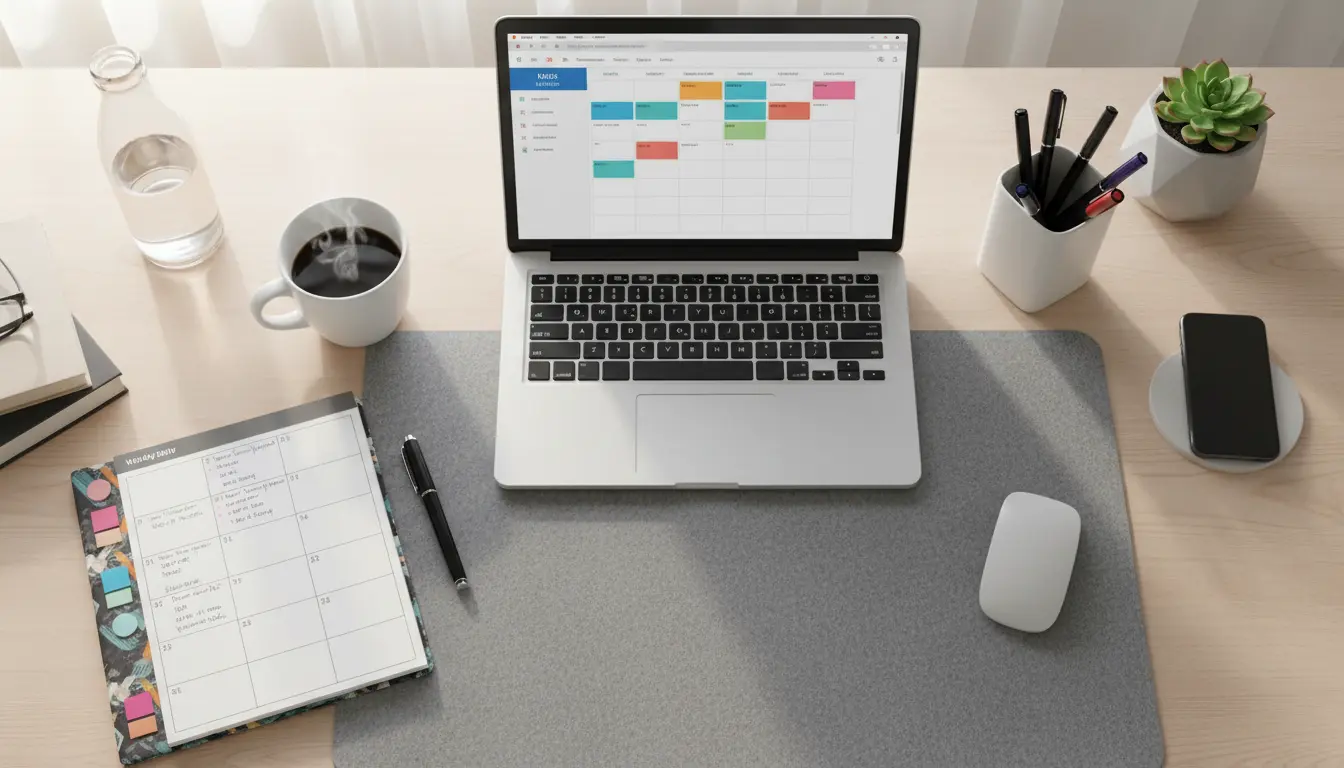
A content calendar helps small businesses plan and publish consistent content across channels. This guide shows a clear, repeatable process to set up a content calendar, pick formats, and measure results.
What is a content calendar for small businesses?
A content calendar for small businesses is a schedule that lists planned content pieces, publishing dates, formats, and distribution channels. It centralizes ideas so teams or solo owners can manage deadlines and priorities.
It usually includes topics, target audience, objectives, keywords, and status (draft, scheduled, published). Use a simple spreadsheet or a dedicated tool depending on your needs.
Why build a content calendar for small business?
Small businesses often juggle marketing tasks and daily operations. A content calendar reduces last-minute work and keeps messaging consistent.
Consistency builds audience trust and improves SEO. You also save time by batching tasks like writing, editing, and scheduling.
Key benefits of a content calendar for small business
- Improved consistency across blog, email, and social channels.
- Clearer priorities and fewer missed deadlines.
- Better alignment with promotions, holidays, and product launches.
- Data-driven planning using engagement and traffic metrics.
Step 1: Define goals and audience
Start with clear goals: increase website traffic, generate leads, or boost local sales. Your calendar should support these goals directly.
Define the target audience and the questions they need answered. This focus guides topic selection and content format choices.
Step 2: Choose channels and content types
Select 2–4 primary channels where your audience is active. For small businesses this often means a blog, one social platform, and a monthly email newsletter.
Decide on content types: how-to articles, client stories, product updates, and short social posts. Mix evergreen and timely pieces for balance.
Step 3: Create a simple content calendar template
Use a spreadsheet or lightweight tool. Keep columns for date, channel, content title, owner, status, keywords, and CTA. This minimal structure is enough for most small teams.
- Date: Publishing date and time.
- Channel: Blog, Instagram, Facebook, Email, etc.
- Title/Topic: Short working title or idea.
- Owner: Who writes or approves it.
- Status: Idea, Draft, Scheduled, Published.
- Keywords/CTA: Main SEO focus and call to action.
Step 4: Plan topics and cadence
Map content to a realistic cadence you can sustain. For many small businesses this means one blog post per week or two social posts per week.
Plan monthly themes or pillars to group topics. This simplifies brainstorming and ensures varied coverage without overlap.
Topic idea sources
- Customer questions and FAQs.
- Local events or seasonal trends.
- Competitor content gaps.
- Analytics: pages that perform well and can be expanded.
Step 5: Produce and schedule in batches
Batching saves time and keeps quality consistent. Write several posts in one session, then edit and schedule them together.
Use scheduling tools (WordPress, Buffer, Hootsuite) to publish automatically. That frees time for community management and follow-up.
Step 6: Track performance and iterate
Monitor metrics aligned with your goals: page views, time on page, social engagement, and conversions. Track these weekly or monthly.
Use simple analytics to identify what works and what doesn’t. Adjust topics, formats, and cadence based on data rather than guesswork.
Small case study: Local bakery increases online orders
A neighborhood bakery created a content calendar focusing on weekly blog posts and two social posts per week. They aligned posts with seasonal flavors and weekend specials.
Within three months they saw a 25% increase in website visits and a measurable uptick in online orders on promotion days. The calendar helped the owner plan photos and promotions ahead of busy weekends.
Practical tips for managing a content calendar for small business
- Keep the calendar visible to everyone involved to avoid duplicated work.
- Use clear naming conventions for drafts and final files.
- Reserve flexible slots for timely content or last-minute promotions.
- Repurpose high-performing posts as short social posts or email snippets.
Quick content calendar checklist
- Set clear marketing goals linked to content.
- Choose 2–4 channels and content types.
- Build a simple spreadsheet with key columns.
- Plan a sustainable cadence and monthly themes.
- Batch-create, schedule, and track performance.
Final notes on building a content calendar for small business
Start small and iterate. A content calendar should reduce stress, not add it. Focus on consistent, useful content that serves your audience and business goals.
With a simple template and regular review, a content calendar becomes a tool that saves time and improves results over months, not weeks.