
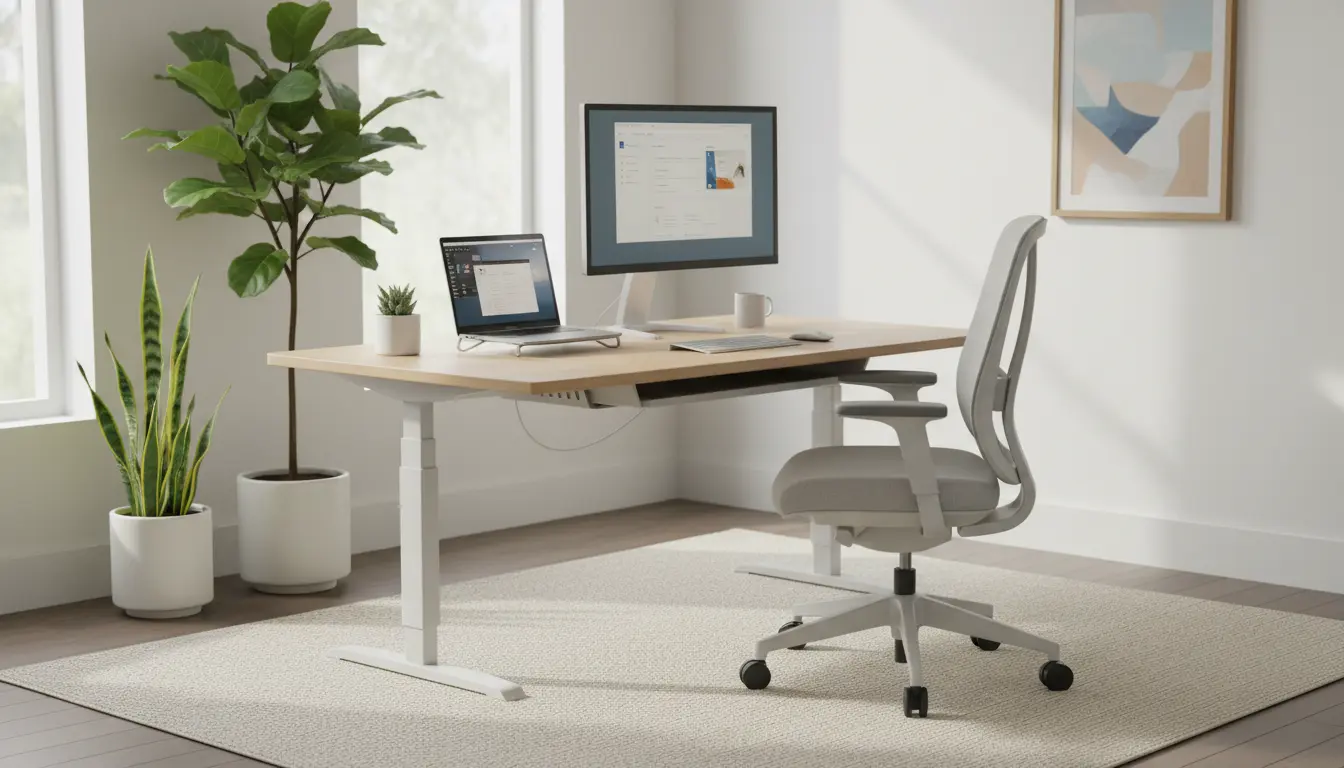
Start With the Right Mindset for Home Office Setup
Setting up an effective home office starts with a clear goal: comfort and consistent productivity. Think of the space as a small investment that reduces fatigue and distractions over time.
Before buying equipment, assess how you use the space, how many hours you work there, and what tasks you perform daily. This will guide choices about furniture, lighting, and technology.
Home Office Setup: Choose the Best Location
Select a location that separates work from home life whenever possible. A quiet corner, spare bedroom, or an alcove with a door helps create visual separation and fewer interruptions.
Consider these practical factors when choosing the spot:
- Natural light direction and glare at your desk.
- Proximity to power outlets and reliable Wi-Fi.
- Noise level from household activity or outside traffic.
Home Office Setup: Ergonomics and Furniture
Ergonomic setup reduces aches and boosts focus. Prioritize an adjustable chair and a desk at the correct height for typing and viewing.
Key ergonomic adjustments
- Chair: Lumbar support, seat depth, and height adjustment.
- Desk height: Elbows should be at 90 degrees when typing.
- Monitor placement: Top of the monitor at or slightly below eye level, 20–30 inches from your face.
- Keyboard and mouse: Keep wrists straight and close to the body.
Consider a sit-stand desk if you sit for long periods. Even occasional standing breaks can lower discomfort and improve circulation.
Home Office Setup: Lighting and Visual Comfort
Good lighting prevents eye strain and improves mood. Use a mix of natural light and layered artificial lighting to avoid harsh contrasts.
Lighting tips
- Place your desk so windows provide indirect light, avoiding direct glare on screens.
- Add a task lamp with adjustable color temperature for focused work.
- Use soft ambient lighting to reduce high-contrast shadows in the room.
Home Office Setup: Tech Essentials and Connectivity
Reliable tech helps maintain workflow. Start with a solid internet connection, a laptop or desktop that meets your tasks, and a comfortable audio setup for calls.
Essential items to consider:
- High-speed internet and a wired Ethernet connection if possible.
- External monitor(s) for extended screen real estate.
- Quality headset or microphone for clear calls.
- Surge protector and cable management solutions.
Home Office Setup: Organization and Minimalism
A clutter-free desk reduces cognitive load. Use simple storage solutions to keep frequently used items accessible and nonessential items out of sight.
Organizational suggestions:
- Use one to two open trays for active documents and daily to-dos.
- Label drawers or containers for chargers, stationery, and cables.
- Adopt a weekly tidy-up habit to clear accumulated clutter.
Home Office Setup: Routine and Work Habits
Even a great setup needs routine to produce results. Define start and stop times, and use short breaks to move and reset your focus.
Simple routine example
- Morning: 10-minute plan and top 3 priorities.
- Midday: 30-minute break away from the desk for lunch and movement.
- Afternoon: Two focused work blocks with 5-minute microbreaks between tasks.
Adjusting monitor height by as little as 2–3 inches can reduce neck strain significantly. Small ergonomic tweaks often yield quick comfort wins.
Small Real-World Example: Case Study
Maria, a freelance copywriter, moved to a dedicated corner of her apartment and followed a simple home office setup plan. She added an adjustable chair, one external monitor, and a task lamp.
Within two weeks she reported less neck pain and fewer interruptions. Her daily output increased because she could maintain two-hour focused writing blocks without distraction.
Home Office Setup: Quick Checklist
- Choose a quiet, well-lit location with good Wi-Fi access.
- Invest in an adjustable chair and correct monitor height.
- Use cable management and minimal storage to reduce clutter.
- Establish a daily routine with scheduled breaks and priorities.
- Test and iterate: small changes over days reveal what works best.
Next Steps for Your Home Office Setup
Start with one improvement this week: adjust your monitor, add wrist supports, or reorganize your desk. Track comfort and productivity changes to decide your next upgrade.
Iterative improvements keep costs manageable and help you build a personalized, sustainable home office setup that supports long-term remote work success.